
Loading page
by Idris M.
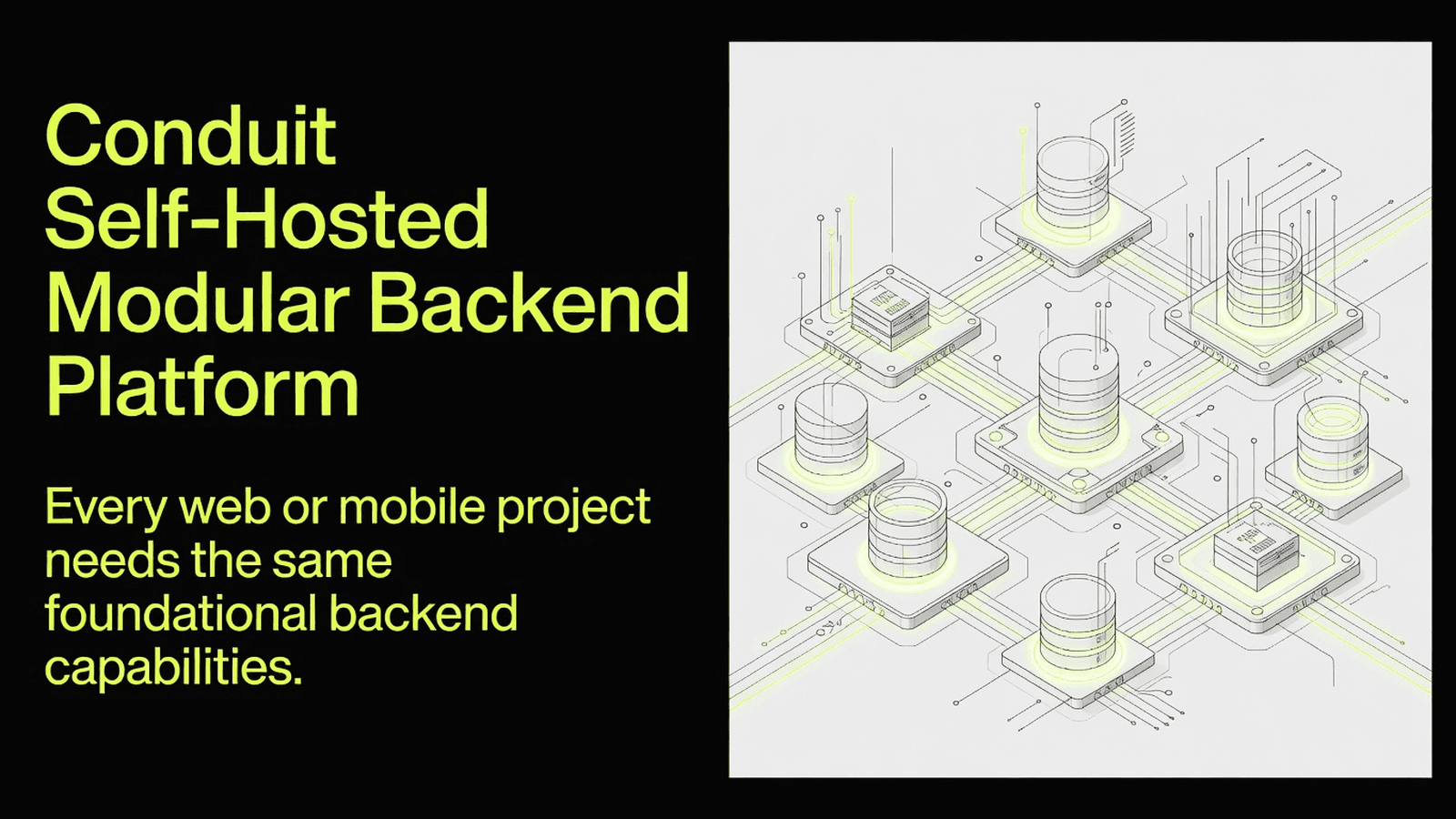
Conduit is a self-hosted, microservices-based backend platform providing ready-made modules for auth, database, chat, storage, email, and more — letting teams skip boilerplate and focus on building unique application features.
This block provides the Conduit gRPC SDK (user@example.com), the core communication and module-wiring library for the Conduit self-hosted backend platform. It exposes ConduitGrpcSdk, schema primitives, health-check utilities, interceptors, and typed module clients (Authentication, Database, Email, Storage, etc.). The typical buyer is a Node.js/TypeScript backend developer building a custom Conduit module or integrating an existing service into a Conduit deployment.
.github/ - CI workflows, issue templates, contribution guidelinesdeploy/ - Docker and Kubernetes deployment manifests and instructionsdocker/ - Docker Compose files and helper scripts for local Conduit stackslibraries/ - Core reusable libraries: grpc-sdk, hermes, module-tools, node-2fa, testing-toolsmodules/ - First-party Conduit modules (authentication, chat, database, email, etc.)packages/ - Shared internal packagesscripts/ - Repository-level automation scriptsstandalone/ - Standalone (single-process) Conduit distributionlerna.json - Monorepo package graph configurationturbo.json - Turborepo build pipeline configurationpackage.json - Root workspace manifeststandalone.Dockerfile - Docker image definition for the standalone buildnpm install nice-grpc @grpc/grpc-js ioredis fast-jwt
npm install --save-dev typescript ts-node @types/node
No native build steps (pod install / Android linking / Expo prebuild) are required. The SDK is pure Node.js. Redis must be reachable at runtime for RedisManager and StateManager.
source/libraries/grpc-sdk into your project, e.g. src/vendor/grpc-sdk.tsconfig.json, add path aliases and enable esModuleInterop:
{
  "compilerOptions": {
    "module": "NodeNext",
    "moduleResolution": "NodeNext",
    "esModuleInterop": true,
    "paths": {
      "@grpc-sdk/*": ["src/vendor/grpc-sdk/src/*"]
    }
  }
}
Spin up an isolated sandbox and run it server-side — no local setup.
Tetrees AI Review of this version
This Express backend / api completed archive review with strong static results. Structure, dependency manifests, documentation, functional source, and common risk patterns were checked by the Tetrees verification pipeline; runtime phases are stated separately.
Deterministic AVCP artifact review
Pipeline avcp-2026-08-04.1 · SHA-256 24ed8edf8ccbe2fb…
This version-scoped review deterministically inspects the submitted archive for structure, dependencies, documentation, functional source, and common malicious or high-risk signals. Build and test phases are reported as passed only after an isolated sandbox audition. It is not a guarantee of perfect security.
Reviewed Aug 4, 2026
Push this product straight into your AI IDE, web builder or cloud IDE.
Connect Tetrees to a compatible AI IDE, list products you own, and request the verified ZIP without exposing seller upload controls.
No reviews yet.
Sign in to join the discussion
Loading discussion…
CONDUIT_SERVER=localhost:55152   # gRPC address of the Conduit Core
SERVICE_URL=localhost:55200      # address this module advertises
GRPC_KEY=<shared-secret>        # optional signed-token secret
REDIS_HOST=localhost
REDIS_PORT=6379
ConduitGrpcSdk once at application startup (see examples below)."type": "module" in package.json), ensure all local imports use .js extensions to match the SDK's own style.class ConduitGrpcSdk {
constructor(
serverUrl: string,
fetchModules: () => Promise<any>,
watchModules: boolean,
serviceUrl?: string,
metrics?: IConduitMetrics,
logger?: IConduitLogger,
);
readonly name: string;
readonly instance: string;
// Module accessors (lazily resolved):
get authentication(): Authentication | undefined;
get database(): DatabaseProvider | undefined;
get storage(): Storage | undefined;
get email(): Email | undefined;
get router(): Router | undefined;
get config(): Config | undefined;
get core(): Core | undefined;
}
The central SDK class. Instantiate it once per service, passing the Core gRPC address and a function that returns the current module list. Use module accessors to obtain typed gRPC clients for each Conduit subsystem once they become available.
abstract class ConduitModule<T extends CompatServiceDefinition> {
  // Base class for all typed module wrappers.
  // Provides connection lifecycle, health-check integration,
  // and a typed nice-grpc Client<T>.
}
Extend this class when writing a custom Conduit module client. It handles gRPC channel setup, retry logic, and exposes the underlying Client<T> from nice-grpc.
class GrpcError extends Error {
  constructor(code: status, message: string);
  readonly code: status; // @grpc/grpc-js status code
}
Throw GrpcError inside any gRPC handler to return a well-formed gRPC status to the caller. Use the status enum from @grpc/grpc-js (e.g. status.NOT_FOUND, status.INVALID_ARGUMENT).
function checkModuleHealth(
  client: Client<typeof HealthDefinition>,
  moduleName: string,
): Promise<HealthCheckStatus>;
Pings a module's gRPC health endpoint and resolves with its current HealthCheckStatus. Use this in readiness probes or before attempting to call a module that may not yet be registered with Core.
A custom Conduit module needs to read and write data via the Database module client.
import ConduitGrpcSdk from './vendor/grpc-sdk/src/index.js';

const sdk = new ConduitGrpcSdk(
  process.env.CONDUIT_SERVER!,
  async () => [], // replace with real module-fetch logic
  true,
  process.env.SERVICE_URL,
);

async function main() {
  // Wait until the database module is registered and healthy
  await sdk.waitForExistence('database');
  const db = sdk.database!;
  console.log('Database module ready:', db);
}

main().catch(console.error);
A gRPC service handler must reject an invalid request with a proper status code.
import { GrpcError } from './vendor/grpc-sdk/src/classes/index.js';
import { status } from '@grpc/grpc-js';

async function getUser(call: any) {
  const { id } = call.request;
  if (!id) {
    throw new GrpcError(status.INVALID_ARGUMENT, 'User ID is required');
  }
  // ... fetch user logic
}
Before sending emails, verify the Email module is serving.
import { checkModuleHealth } from './vendor/grpc-sdk/src/classes/index.js';
import { HealthCheckStatus } from './vendor/grpc-sdk/src/types/index.js';
import { Client } from 'nice-grpc';
import { HealthDefinition } from './vendor/grpc-sdk/src/protoUtils/index.js';

async function ensureEmailReady(
  healthClient: Client<typeof HealthDefinition>,
): Promise<void> {
  const result = await checkModuleHealth(healthClient, 'email');
  if (result !== HealthCheckStatus.SERVING) {
    throw new Error(`Email module not ready: ${result}`);
  }
  console.log('Email module is healthy');
}
Publish a domain event after a user action and react to it in another handler.
import { EventBus, StateManager, RedisManager } from './vendor/grpc-sdk/src/utilities/index.js';

async function setupBus(redisHost: string, redisPort: number) {
  const redisManager = new RedisManager({ host: redisHost, port: redisPort });
  const bus = new EventBus(redisManager);
  const state = new StateManager(redisManager, 'my-module');

  bus.subscribe('user.registered', async (data: string) => {
    const parsed = JSON.parse(data);
    await state.setState('lastRegistered', parsed.userId);
    console.log('Stored last registered user:', parsed.userId);
  });

  bus.publish('user.registered', JSON.stringify({ userId: 'abc123' }));
}

setupBus(process.env.REDIS_HOST!, Number(process.env.REDIS_PORT!));
.github/ - GitHub Actions CI pipelines for every Conduit module plus release workflows; not needed at runtime.deploy/ - Production-grade Docker Compose and Helm/Kubernetes values files for full Conduit stack deployment.docker/ - Local development Compose files; includes Prometheus and Loki config for observability.libraries/grpc-sdk/ - The primary artifact of this block: the SDK consumed by all modules and custom integrations.libraries/hermes/ - HTTP/WebSocket transport abstraction used by the Router module.libraries/module-tools/ - Shared build and scaffolding utilities for Conduit modules.libraries/node-2fa/ - TOTP/HOTP two-factor authentication helper library.libraries/testing-tools/ - Test harness utilities for Conduit module integration tests.modules/ - Source for all official Conduit modules (authentication, chat, database, email, etc.).packages/ - Internal shared TypeScript packages (proto-generated types, common interfaces).scripts/ - Release, versioning, and repository maintenance automation.standalone/ - Single-process entry point that boots all modules together without Kubernetes.lerna.json - Defines the monorepo package versioning and publish strategy.turbo.json - Turborepo pipeline that orchestrates build/test/lint across all packages.package.json - Root workspace definition; lists all workspace globs.standalone.Dockerfile - Multi-stage Docker image for the all-in-one standalone deployment..js extension errors: The SDK uses import ... from './foo.js' throughout; if TypeScript complains, set "moduleResolution": "NodeNext" and "module": "NodeNext" in tsconfig.json.CONDUIT_SERVER not set: ConduitGrpcSdk will throw immediately at construction; always validate env vars before instantiation.RedisManager, EventBus, and StateManager all require a live Redis instance; ensure Redis is started before your service and that REDIS_HOST/REDIS_PORT are correct.undefined: Module clients are only available after the module is registered with Core; use sdk.waitForExistence('<moduleName>') before accessing any module property.fast-jwt createSigner version mismatch: The SDK calls createSigner from fast-jwt; pin to fast-jwt@^2 to match the SDK's expected API surface.grpc-sdk without running its build (cd libraries/grpc-sdk && sh build.sh), the protoUtils/ imports will be absent; run the build step after copying.I have copied the Conduit gRPC SDK source into `src/vendor/grpc-sdk` in my
Node.js TypeScript project. The upstream package is `user@example.com`.
There is a USAGE.md at the root of this block that describes all real exports,
environment variables, and working code snippets.
Please help me integrate this SDK step by step:
1. Read USAGE.md and src/vendor/grpc-sdk/src/index.ts to understand all
available exports.
2. Update my tsconfig.json for NodeNext module resolution and add a path alias
for `@grpc-sdk/*` pointing to `src/vendor/grpc-sdk/src/*`.
3. Create a `src/sdk.ts` singleton that instantiates ConduitGrpcSdk using
environment variables CONDUIT_SERVER and SERVICE_URL.
4. In my Express app's startup function, wait for the `database` module to
become available and log confirmation.
5. Add a gRPC error handler that catches GrpcError and maps it to an HTTP
status response.
6. Show me how to publish and subscribe to events using EventBus and
RedisManager from the utilities exports.
Use only the exports documented in USAGE.md and visible in the source files.
Do not invent any API methods.
The Conduit platform is released under the MIT License (see source/LICENSE). It is developed and maintained by Quintessential SFT. The upstream source is available at the conduit npm package and the ConduitPlatform/Conduit GitHub repository.
This product’s unique contribution is clean room implementation of valuable code block into AVCP compatible standard.
The full install guide and integration prompts unlock after purchase.
Automation, Utilities & Developer Tools
Free


