
Loading page
by bento
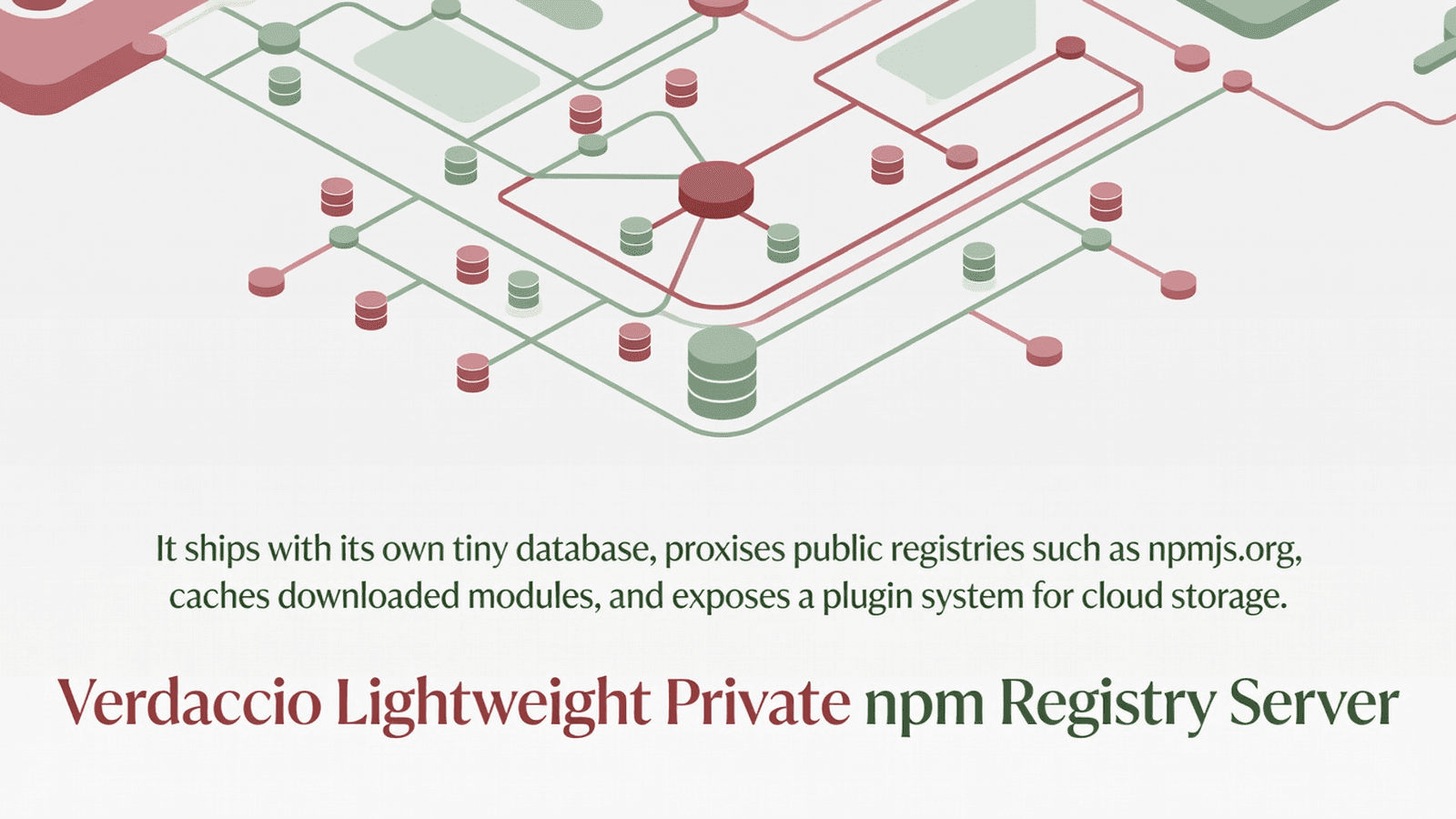
Verdaccio is a zero-config private npm proxy registry for Node.js teams. It caches packages from public registries, hosts private packages, and supports plugins for S3, LDAP, and more.
This block delivers the full Verdaccio monorepo packages/ tree: the core npm registry logic, REST API layer, authentication, CLI, configuration management, middleware, storage, proxy, and plugin infrastructure. It is aimed at teams embedding a private npm registry into an existing Node.js/Express application, or building tooling that extends Verdaccio's internals.
api/ - Express router exposing all npm registry REST endpoints (publish, search, dist-tags, user, tokens)auth/ - Authentication core: JWT, token validation, plugin interface (Auth class)cli/ - Entry point for the verdaccio CLI binary (start server, show version/info)config/ - Config parsing, defaults, validation, ConfigBuilder, security utilitiescore/ - Shared core types and runtime utilities used across all packageshooks/ - Lifecycle hook interfaces for registry eventsloaders/ - Plugin loader infrastructure (loads auth/storage/middleware plugins)logger/ - Structured logger backed by pinomiddleware/ - Express middleware: body parsing, JWT, anti-loop, scope encoding, validationnode-api/ - Programmatic Node.js API to start Verdaccio without the CLIplugins/ - Built-in plugin implementations (htpasswd auth, local storage, etc.)proxy/ - Upstream proxy/uplink logic (fetches from npmjs.org or any upstream registry)search/ - Package search implementationsearch-indexer/ - Background search index builderserver/ - HTTP/HTTPS server factory and graceful shutdownsignature/ - Package tarball signature verification helpersstore/ - Storage abstraction layer (Storage class) coordinating local and proxy backendstools/ - Internal build/dev utilities (not for application use)ui-components/ - React component library for the web UIverdaccio/ - Top-level package that wires everything together for distributionweb/ - Express router for the web UI endpointsSpin up an isolated sandbox and run it server-side — no local setup.
Tetrees AI Review of this version
This Express backend / api completed archive review with strong static results. Structure, dependency manifests, documentation, functional source, and common risk patterns were checked by the Tetrees verification pipeline; runtime phases are stated separately.
Deterministic AVCP artifact review
Pipeline avcp-2026-08-04.1 · SHA-256 6a418715dec42f9f…
This version-scoped review deterministically inspects the submitted archive for structure, dependencies, documentation, functional source, and common malicious or high-risk signals. Build and test phases are reported as passed only after an isolated sandbox audition. It is not a guarantee of perfect security.
Reviewed Aug 4, 2026
Push this product straight into your AI IDE, web builder or cloud IDE.
Connect Tetrees to a compatible AI IDE, list products you own, and request the verified ZIP without exposing seller upload controls.
No reviews yet.
Sign in to join the discussion
Loading discussion…
npm install express pino pino-http http-errors semver js-yaml minimatch
npm install @verdaccio/types @verdaccio/commons-api
npm install jsonwebtoken bcryptjs handlebars
npm install fastify-plugin # required by node-api
npm install kleur commander # required by cli
No native modules, no iOS/Android linking, no prebuild steps required. Node.js 24 is the minimum required runtime version per upstream documentation.
source/ directory into your project, e.g. at ./verdaccio-src/.tsconfig.json so cross-package imports resolve correctly:{
"compilerOptions": {
"baseUrl": ".",
"paths": {
"@verdaccio/api": ["./verdaccio-src/api/src/index.ts"],
"@verdaccio/auth": ["./verdaccio-src/auth/src/index.ts"],
"@verdaccio/config": ["./verdaccio-src/config/src/index.ts"],
"@verdaccio/middleware": ["./verdaccio-src/middleware/src/index.ts"],
"@verdaccio/store": ["./verdaccio-src/store/src/index.ts"],
"@verdaccio/logger": ["./verdaccio-src/logger/src/index.ts"],
"@verdaccio/types": ["./node_modules/@verdaccio/types"]
},
"module": "NodeNext",
"moduleResolution": "NodeNext",
"target": "ES2022"
}
}
VERDACCIO_STORAGE_PATH=/var/lib/verdaccio   # where packages are stored
VERDACCIO_PUBLIC_URL=http://localhost:4873   # registry base URL
node-api/ (see examples below) or mount the Express router from api/ directly.default (api router factory)import buildApiRouter from '@verdaccio/api';
import type { Auth } from '@verdaccio/auth';
import type { Storage } from '@verdaccio/store';
import type { Config, Logger } from '@verdaccio/types';
function buildApiRouter(
config: Config,
auth: Auth,
storage: Storage,
logger: Logger
): Router;
Returns a fully-configured Express Router with every npm registry endpoint registered. Mount it under / on your Express app. It registers body parsers, JWT middleware, anti-loop detection, and scope-package encoding automatically.
Auth (auth class)import { Auth } from '@verdaccio/auth';
class Auth {
apiJWTmiddleware(): RequestHandler;
// additional methods for login, token issuance, plugin delegation
}
Central authentication manager. Call auth.apiJWTmiddleware() to get the Express middleware that validates Bearer tokens on every API request. Constructed with a Config and Logger; delegates to whichever auth plugin is configured.
getDefaultConfig (config)import { getDefaultConfig } from '@verdaccio/config';
function getDefaultConfig(fileName?: string): ConfigYaml;
Parses and returns the bundled default default.yaml configuration object. Use this as a base when constructing a runtime config programmatically; pass the result to ConfigBuilder or directly to Auth/Storage constructors. Accepts an optional alternative YAML filename relative to the conf/ directory.
parseConfigFile (config)import { parseConfigFile } from '@verdaccio/config';
function parseConfigFile(filePath: string): ConfigYaml;
Reads, parses, and validates a YAML config file from the given absolute path. Use this to load a user-supplied verdaccio.yaml at startup.
Mount Verdaccio's full npm API on a sub-path of your existing Express server, reusing your existing HTTP server.
import express from 'express';
import { parseConfigFile } from '@verdaccio/config';
import { Auth } from '@verdaccio/auth';
import { Storage } from '@verdaccio/store';
import buildApiRouter from '@verdaccio/api';
import { createLogger } from '@verdaccio/logger';

const app = express();

const config = parseConfigFile('/etc/verdaccio/config.yaml');
const logger = createLogger({ level: 'info' });
const auth = new Auth(config, logger);
const storage = new Storage(config, logger);

await storage.init(config, []);

const registryRouter = buildApiRouter(config, auth, storage, logger);
app.use('/npm', registryRouter);

app.listen(4873, () => {
  console.log('Registry available at http://localhost:4873/npm');
});
Build a runtime config starting from the bundled defaults and override specific fields before passing it to other subsystems.
import { getDefaultConfig, ConfigBuilder } from '@verdaccio/config';

const base = getDefaultConfig(); // loads bundled default.yaml

const config = ConfigBuilder.build({
  ...base,
  storage: '/tmp/verdaccio-storage',
  server: { keepAliveTimeout: 60 },
  uplinks: {
    npmjs: { url: 'https://registry.npmjs.org' }
  },
  packages: {
    '**': {
      access: ['$all'],
      publish: ['$authenticated'],
      proxy: ['npmjs']
    }
  }
});

console.log('Storage path:', config.storage);
Parse a YAML file provided by the user, validate it, then use it to initialise auth and storage.
import path from 'node:path';
import { parseConfigFile, getDefaultConfig } from '@verdaccio/config';
import { Auth } from '@verdaccio/auth';
import { createLogger } from '@verdaccio/logger';

const configPath = path.resolve(process.env.VERDACCIO_CONFIG ?? './verdaccio.yaml');

let rawConfig;
try {
  rawConfig = parseConfigFile(configPath);
} catch {
  console.warn('Config not found, using defaults');
  rawConfig = getDefaultConfig();
}

const logger = createLogger({ level: rawConfig.log?.level ?? 'warn' });
const auth = new Auth(rawConfig, logger);

console.log('Auth plugin loaded from config:', configPath);
api/ - Registers Express routes for every npm registry operation; the default export is a Router factory consumed by the top-level server.auth/ - Exports the Auth class, auth utility functions, and TypeScript types for auth plugins.cli/ - Wires commander commands (init, version, info) and is the entry point for the verdaccio binary.config/ - Config file parsing (parseConfigFile), path resolution, ConfigBuilder, security defaults, uplink utilities.core/ - Low-level shared utilities (error codes, constants, stream helpers) used by every other package.hooks/ - Defines lifecycle hook interfaces that plugins can implement to react to registry events.loaders/ - Dynamically requires/imports auth, storage, and middleware plugins resolved from config.logger/ - Thin pino wrapper; exports createLogger and log-level utilities.middleware/ - Express middleware factories: antiLoop, encodeScopePackage, registerBodyParser, validateName, validatePackage, match.node-api/ - Programmatic API to start the full Verdaccio stack without spawning a process.plugins/ - Built-in plugin bundles: verdaccio-htpasswd (auth) and verdaccio-local-storage (storage).proxy/ - Uplink proxy: fetches tarballs and metadata from upstream registries and caches them locally.search/ - Implements the /-/v1/search endpoint search logic across local and proxied packages.search-indexer/ - Background worker that builds and updates the local package search index.server/ - Creates the http.Server / https.Server, sets timeouts, handles graceful shutdown.signature/ - Verifies package provenance signatures per the npm _integrity / Sigstore spec.store/ - Storage class: coordinates reads/writes between local storage and upstream proxies.tools/ - Internal Vite/build helpers; not intended for import in application code.ui-components/ - React components for the Verdaccio web UI; requires a React build pipeline.verdaccio/ - Top-level package that assembles all packages into the published verdaccio npm tarball.web/ - Express router for the web UI (/-/verdaccio/), serving the SPA and web API endpoints.ERR_INVALID_ARG_TYPE inside import.meta.dirname fallbacks — pin your runtime with nvm use 24."type": "module" internally; if your project is CJS use tsconfig "module": "NodeNext" and import via dynamic import() rather than require().tsconfig paths are compile-time only; at runtime use tsconfig-paths/register or build output with resolved paths via vite build per each package's vite.config.mjs.@verdaccio/types peer: Every package imports from @verdaccio/types; this must be installed even if not directly used — omitting it causes silent undefined type errors at runtime.__dirname not defined in ESM: Some config helpers fall back to import.meta.dirname; ensure your Node.js version is 22.12+ (or 24+) where import.meta.dirname is stable.VERDACCIO_STORAGE_PATH must be writable by the process user; startup silently succeeds but first publish fails with EACCES if permissions are wrong.I have dropped the Verdaccio monorepo packages into `./verdaccio-src/` inside my project.
I also have USAGE.md in the same directory describing every package and its exports.
The upstream npm package name is `verdaccio` (next-9 / development branch).
Please help me integrate Verdaccio into my existing Node.js/TypeScript/Express project step by step:
1. Read USAGE.md and the file excerpts for `api/src/index.ts`, `auth/src/index.ts`,
and `config/src/index.ts` to understand the real exported symbols.
2. Add the tsconfig path aliases listed in USAGE.md ## Project setup so TypeScript
resolves `@verdaccio/*` imports to `./verdaccio-src/*/src/index.ts`.
3. Wire `parseConfigFile` or `getDefaultConfig` from `@verdaccio/config` to load
my config file at `./verdaccio.yaml`.
4. Instantiate `Auth` from `@verdaccio/auth` and `Storage` from `@verdaccio/store`
using the parsed config and a logger from `@verdaccio/logger`.
5. Mount the router returned by the default export of `@verdaccio/api` on `/npm`
of my existing Express app.
6. Show me the final `server.ts` file with all imports, initialisation, and `app.listen`.
7. List any `npm install` commands I still need to run.
Only use exports that actually appear in the source files and USAGE.md. Do not invent APIs.
Verdaccio is released under the MIT License (see source/verdaccio/LICENSE or source/api/LICENSE). Source and full documentation are available at https://verdaccio.org and https://github.com/verdaccio/verdaccio. The upstream npm package is verdaccio.
This product’s unique contribution is clean room implementation of valuable code block into AVCP compatible standard.
The full install guide and integration prompts unlock after purchase.
Automation, Utilities & Developer Tools
Free


